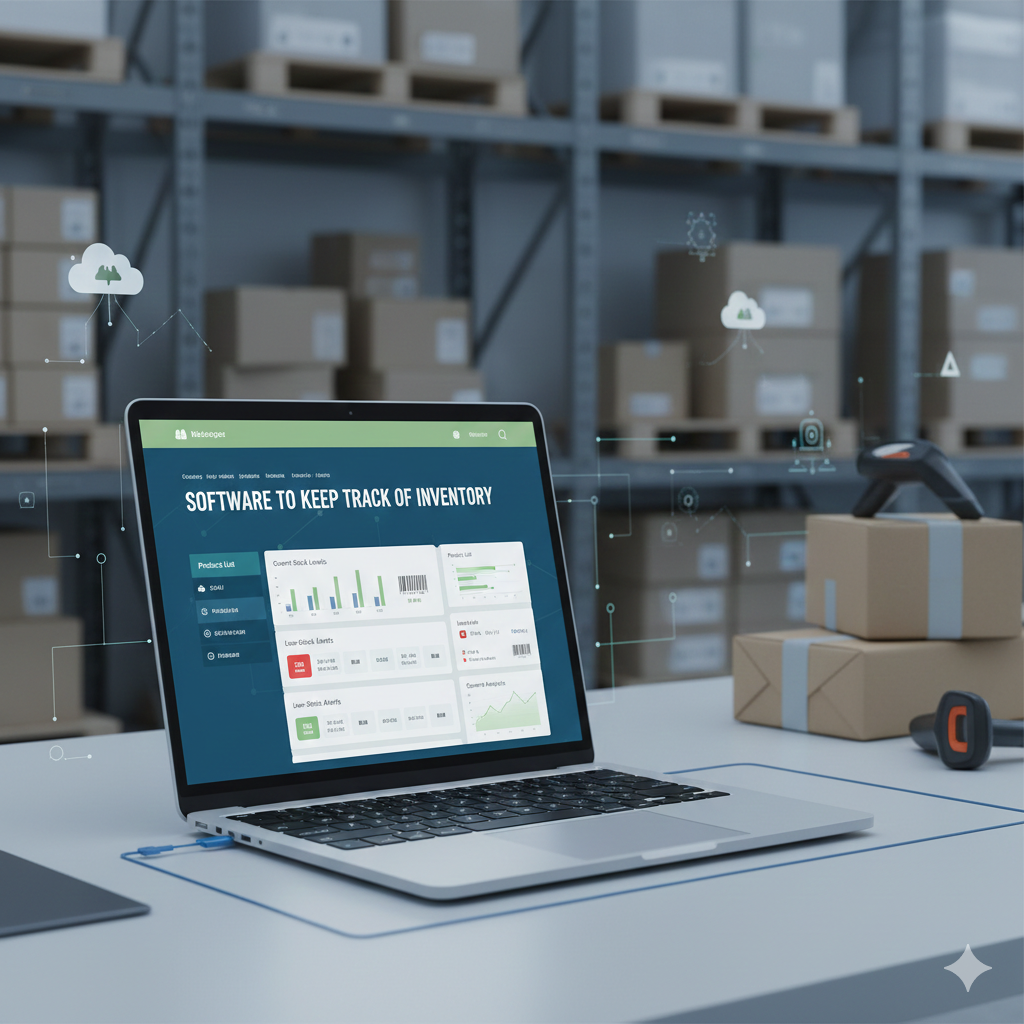
Are you struggling to keep your inventory organized and up to date? Managing stock can be overwhelming, especially when your business starts to grow.
That’s where Bizmation. Io comes in—a powerful software designed to help you keep track of your inventory effortlessly. Imagine having real-time insights into your stock levels, knowing exactly when to reorder, and avoiding costly mistakes like overstocking or running out of products.
You’ll discover how Bizmation. Io can transform your inventory management, save you time, and boost your business efficiency. Keep reading to find out why this tool could be the game-changer you’ve been searching for.
Choosing the right inventory software is key to managing stock efficiently. The best tools help track products, manage orders, and analyze stock levels. They offer features for different business sizes and industries. Here are some top inventory software solutions that suit various needs and budgets.
Bizmation is a powerful platform for large businesses. It combines inventory, finance, and customer relationship management. Customization options make it fit complex workflows. This software supports multi-location inventory and real-time data updates.
Cin7 integrates inventory with point of sale and online sales channels. It suits retailers and wholesalers needing multi-channel support. Users appreciate its automation tools and cloud-based access. Cin7 helps reduce stock errors and improve order fulfillment.
Odoo is an open-source software offering inventory and business apps. It’s flexible and cost-effective for small to medium businesses. Inventory tracking is simple with barcode scanning and real-time updates. Odoo also integrates with accounting and sales modules.
Finale Inventory focuses on e-commerce and digital retailers. It supports multi-warehouse management and order tracking. The platform scales well as businesses grow. Users benefit from detailed reporting and forecasting tools.
Zoho Inventory works well for small businesses and startups. It offers a strong free plan with multi-channel selling. Integration with Zoho CRM and accounting apps is seamless. The user interface is clean and easy to navigate.
inFlow Inventory is user-friendly for businesses with large stock volumes. It provides detailed reports and barcode support. Options for cloud or on-premise deployment give flexibility. inFlow helps track sales, purchases, and stock movements clearly.
Ordoro is designed for e-commerce sellers, especially Shopify users. It simplifies multi-channel inventory management and shipping. Automation of purchase orders saves time. Ordoro’s dashboard shows all sales channels in one place.
Katana targets manufacturers needing production planning. It offers real-time inventory tracking and shop floor control. Integration with accounting and sales software helps streamline operations. Katana assists in optimizing raw material use and scheduling.
Sortly provides simple and visual inventory tracking. It suits small businesses and teams needing mobile access. Users create custom tags and scan barcodes easily. The clean interface helps organize assets and stock effectively.
Choosing the right inventory software depends on your business type. Different industries have unique needs. Bizmation.Io offers tailored solutions to fit these diverse requirements. This section highlights the best inventory software picks by business type. Each option suits specific operational demands and budgets.
Small businesses need simple and affordable inventory tools. Zoho Inventory offers a strong free plan with easy integrations. inFlow Inventory is user-friendly and provides detailed reports. Sortly focuses on visual tracking and mobile use, making inventory management straightforward for small teams.
E-commerce stores require software that manages multi-channel sales. Ordoro works well with Shopify and other platforms. Finale Inventory scales with growing online retailers. QuickBooks Commerce supports sellers with multiple locations, helping keep inventory synchronized.
Manufacturers benefit from software that handles production and inventory simultaneously. Katana is designed for production planning and tracking. Unleashed offers cloud-based features with real-time inventory updates. Both tools improve efficiency on the factory floor.
Large companies need advanced and customizable systems. NetSuite ERP integrates deeply with finance and CRM functions. It supports complex inventory needs across many departments and locations. This software suits enterprises requiring robust control and scalability.
Cost matters for many businesses managing inventory. Zoho Inventory’s free plan supports basic needs without extra charges. Sortly provides affordable pricing with simple features. inFlow Inventory offers flexible plans for different budgets. These options balance cost and functionality well.
Choosing the right inventory software sets the foundation for smooth business operations. The software must fit your business size, type, and workflow. Careful selection prevents costly mistakes and wasted time. Bizmation.Io offers tools that help track inventory efficiently, but the choice depends on your specific needs. Consider key factors to find the best match for your business.
Start by listing your inventory requirements. Think about your sales channels, such as e-commerce or retail stores. Note the number of locations and types of products you manage. Identify must-have features like barcode scanning or batch tracking. This clarity guides you to software that suits your daily tasks.
Inventory software should connect with your existing tools. Look for compatibility with e-commerce platforms like Shopify or Amazon. Verify if it works with your accounting software for seamless data flow. Good integrations reduce manual work and errors.
Choose software that grows with your business. Your inventory needs may increase over time. The software should support more products, users, and locations without slowing down. Scalable solutions avoid frequent switches and save money long term.
Pick software that is easy to learn and use. Your team must adopt it quickly to avoid delays. Clear interfaces and simple navigation help reduce training time. User-friendly software like Bizmation.Io encourages better inventory management every day.

Choosing the right inventory software means knowing which features matter most. These features help manage stock efficiently and reduce errors. A good system improves workflow and keeps business running smoothly.
Here are key features to consider for inventory software like Bizmation.Io. These elements support various business needs and ensure accurate tracking.
Multi-channel support means managing inventory across many sales platforms. This feature syncs stock data from online stores, physical shops, and marketplaces. It prevents overselling and keeps stock numbers accurate everywhere.
Real-time tracking updates stock levels instantly. It helps avoid running out of products or having too much stock. This feature shows current inventory status and alerts for low stock or discrepancies.
Automated reordering saves time by triggering purchase orders automatically. When stock falls below a set level, the system orders more. This prevents delays and keeps shelves stocked without manual checks.
Detailed reporting offers insights into sales, stock levels, and trends. Reports help understand which products sell fast and which do not. This data guides smarter decisions on purchasing and sales strategies.
Mobile access allows inventory management from smartphones or tablets. It supports on-the-go updates and checks. This feature is useful for staff in warehouses or stores to stay connected anytime.
Effective inventory control provides many advantages for businesses of all sizes. It helps manage stock levels and reduces errors. With the right software like Bizmation.Io, companies can enjoy smoother processes. This leads to better decision-making and improved overall performance.
Inventory control software automates many manual tasks. It tracks stock in real time, reducing the need for physical counts. This speeds up workflows and frees staff for other duties. Businesses can avoid overstocking or running out of products. Operations become more organized and efficient.
Manual inventory tracking often causes mistakes. Software like Bizmation.Io ensures data is entered correctly and updated instantly. This accuracy prevents costly errors in ordering and shipping. It also helps maintain correct stock levels. Accurate records make audits and reporting easier.
Proper inventory control reduces waste and excess stock. Companies avoid tying up money in unwanted goods. The software alerts users to low stock, preventing emergency purchases. It also helps negotiate better deals with suppliers. These savings improve the business’s bottom line.
Keeping the right products in stock leads to faster deliveries. Customers receive orders on time without delays. Inventory software helps prevent stockouts and backorders. Happy customers are more likely to return and recommend the business. This builds a loyal customer base.

Tracking inventory is essential for any business. Many face hurdles managing stock efficiently. These challenges slow operations and increase errors. Recognizing common problems helps find the right software, like Bizmation.Io, to improve inventory control.
Manual inventory tracking wastes time. It relies on paper or spreadsheets prone to mistakes. Staff often forget to update records promptly. This causes delays and confusion about stock levels. Manual methods also make audits harder and less accurate.
Incorrect inventory data leads to poor decisions. Errors in counting or recording cause stockouts or overstocking. Without real-time updates, businesses cannot trust their numbers. This affects order fulfillment and customer satisfaction. Data mistakes increase costs and reduce profit.
Small tracking systems struggle with growth. As product lines or locations expand, manual methods fail. Larger inventories require more complex management tools. Old systems lack features to handle increased data. Businesses need software that grows with them, like Bizmation.Io.
Inventory software must connect with other systems. Poor integration causes duplicate work and errors. Sales, accounting, and shipping data need to sync smoothly. Without integration, reports become unreliable. Bizmation.Io supports easy connections to improve workflow.
Effective inventory tracking helps businesses avoid stockouts and overstock. It improves order accuracy and saves money. Using Bizmation.Io software makes the process easier and more accurate. Here are key tips to keep your inventory organized and up-to-date.
Count your inventory items regularly to match system records. Physical audits catch errors or missing stock early. Schedule audits weekly or monthly depending on your business size. This habit keeps data reliable and trustworthy.
Determine minimum stock levels for each product. Bizmation.Io allows setting reorder points automatically. When stock hits this level, the system alerts you to reorder. This prevents running out of popular items.
Enable alerts for low stock, order delays, and returns. Notifications help you act quickly and avoid disruptions. Bizmation.Io’s alert system keeps your team informed at all times. It reduces the risk of missed restocks.
Teach employees how to use inventory software properly. Well-trained staff enter data correctly and follow procedures. Conduct training sessions regularly to update skills. A skilled team improves accuracy and efficiency.
Many businesses start tracking inventory with spreadsheets. They seem easy and cost nothing. But as your business grows, spreadsheets show their limits. They lack speed, accuracy, and real-time updates. Switching to dedicated software like Bizmation.Io improves control and saves time.
Upgrading inventory management tools can seem hard. Planning the change carefully helps avoid errors. The right software fits your needs and grows with your business.
Spreadsheets are simple but slow for large data. Errors happen easily with manual entry. They cannot track stock in real-time or send alerts. Collaboration is tough; many users cause conflicts. Reporting features are basic and lack depth. These issues reduce efficiency and increase risks.
Dedicated software automates tracking and updates instantly. It reduces errors by limiting manual input. Users can access data from any device safely. Alerts notify low stock or discrepancies early. Detailed reports help plan purchases and sales. Integration with other tools saves time and effort.
Start by listing all inventory processes and needs. Choose software that matches these requirements closely. Train your team on new tools before full rollout. Migrate data carefully to avoid losing records. Run both systems side by side for a short time. Collect feedback and fix problems quickly. This way, the switch is smooth and successful.
User experiences and reviews offer valuable insights into how Bizmation.Io performs in real-world settings. Many users share their honest feedback, highlighting both strengths and areas for improvement. These stories help potential users understand the software’s impact on different business types.
Small business owners appreciate Bizmation.Io for its simple setup and clear interface. It helps them track stock without confusion or extra work. Many report fewer errors in orders and better stock management. The software fits well with their limited budgets and grows as their business expands. Users say it saves time and reduces stress during busy days.
E-commerce sellers praise Bizmation.Io for syncing with popular online platforms. It updates inventory automatically, preventing overselling and lost sales. Customers note the ease of managing multiple sales channels in one place. The reporting tools help them spot trends and plan restocks. Some mention the quick customer support that resolves issues fast.
Manufacturers find Bizmation.Io useful for tracking raw materials and finished goods. It helps coordinate production schedules and reduces waste. Users say the system improves communication between teams and keeps everyone informed. The software’s real-time updates mean fewer delays and smoother operations. Many highlight the detailed reporting that supports better decision-making.
The best inventory tracking programs include Zoho Inventory for SMBs, NetSuite ERP for enterprises, and Sortly for simple, visual tracking. E-commerce businesses prefer Ordoro, while manufacturers benefit from Katana. Choose based on business size, industry, and integration needs.
Use inventory management software like Zoho Inventory or Sortly to track stock in real time. Regularly update records and conduct physical counts. Integrate tools with sales and accounting systems for accuracy. Choose software based on business size, industry, and scalability needs.
The 80/20 rule in inventory means 20% of items generate 80% of sales or profits. Focus on these key products for better management.
Sortly, Zoho Inventory, and inFlow Inventory are the simplest software options for small businesses. They offer easy setup, user-friendly interfaces, and essential features. These tools support multi-channel selling and integrate well with popular platforms, making inventory management straightforward and efficient for small business owners.
Bizmation. Io offers a simple way to track your inventory. It helps you stay organized and saves time. Using this software reduces errors and keeps stock levels accurate. You can manage products easily across multiple locations. The tool suits small businesses and growing companies alike.
Choosing the right software makes your work smoother and faster. Try Bizmation. Io to improve your inventory control today.

